Routines
Free workout app - now on iPhone
A simple workout app for iPhone and the web. Just the tools you need to log your training.
Prefer the browser? Open the web app
Google Play - coming soon
On iPhone? See the 30-second install guide
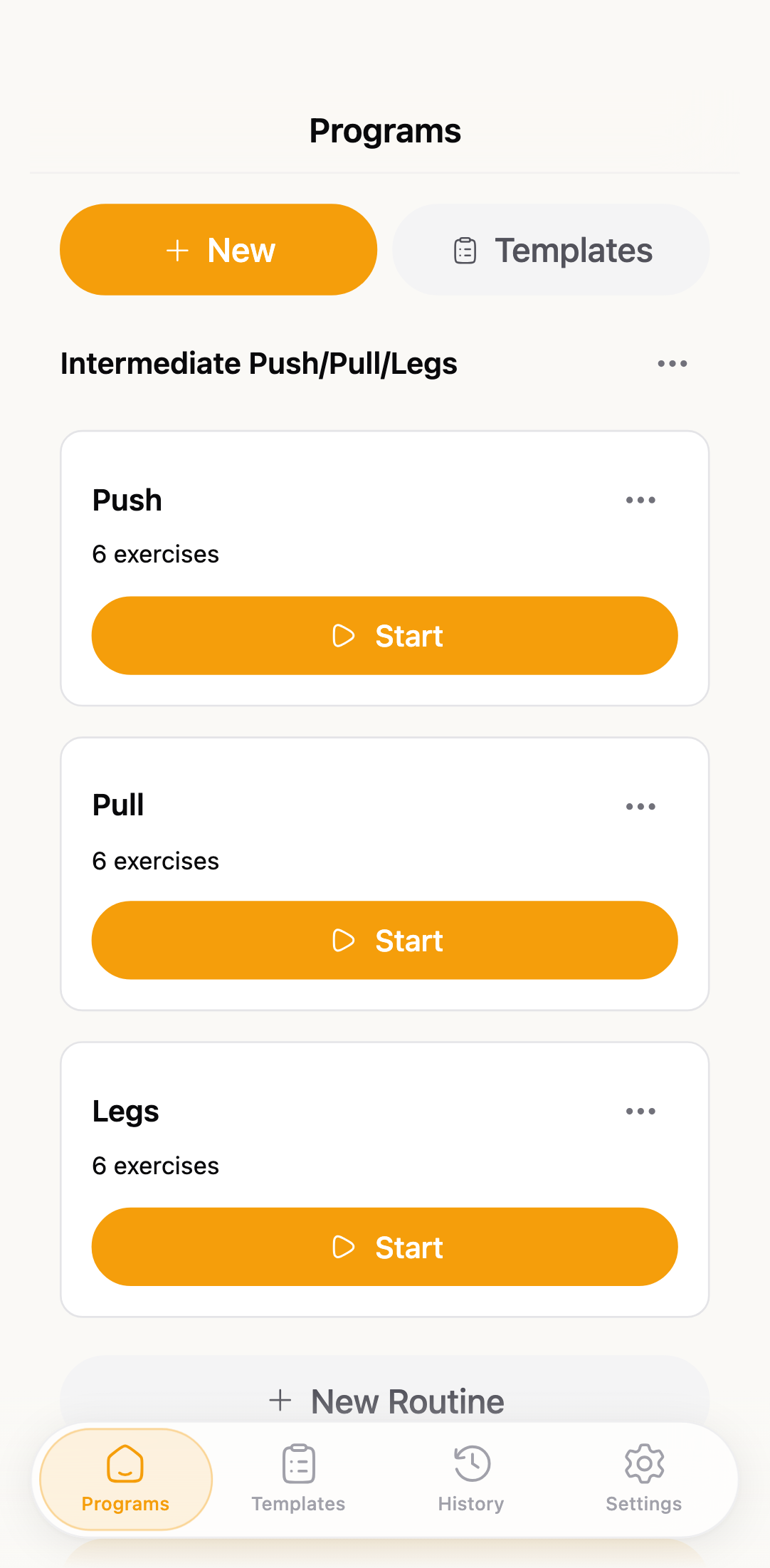
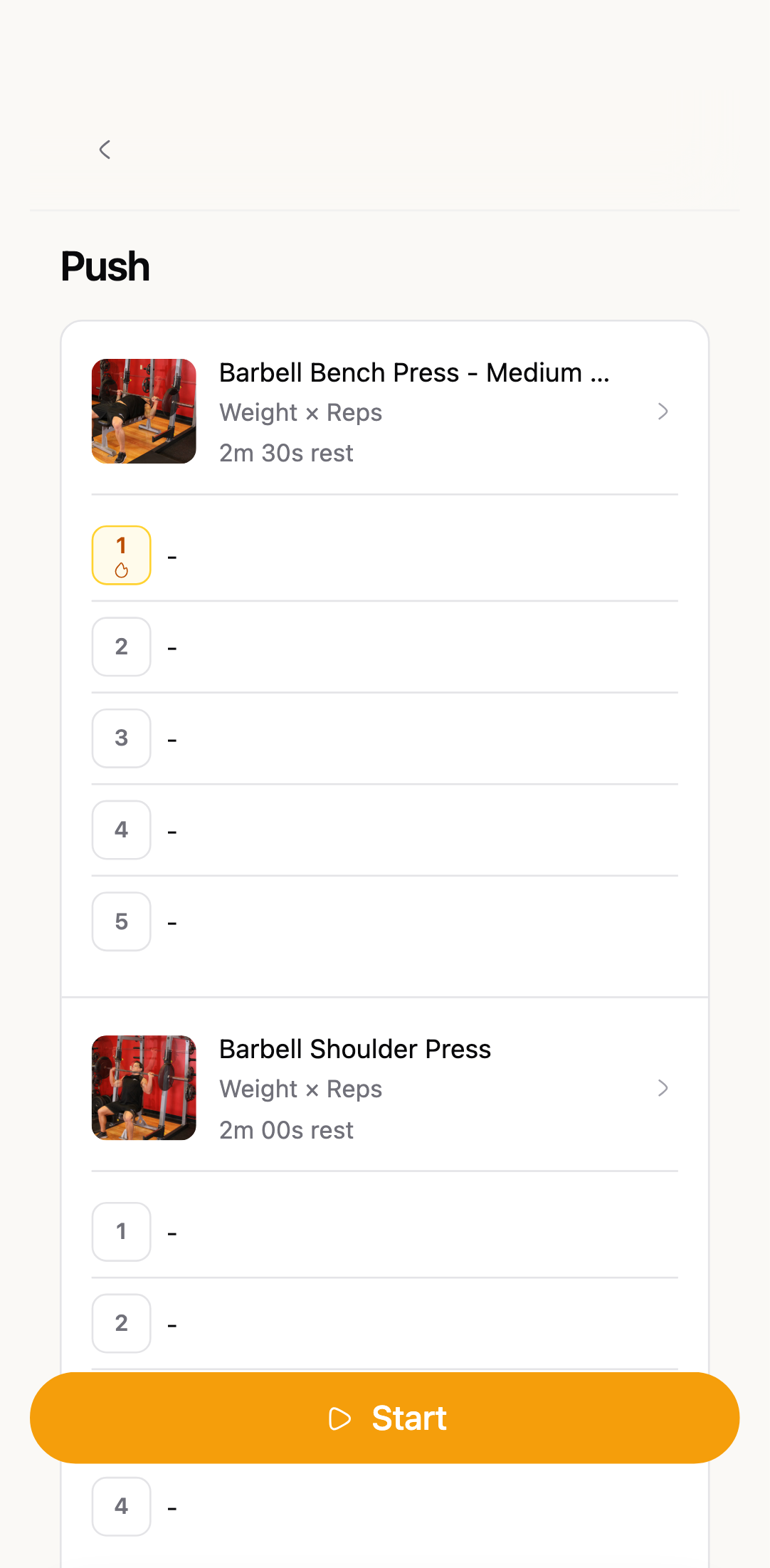
We built GymTempo with idea to keep it minimal and clean, size of elements is large to make it easy to tap.
Routines
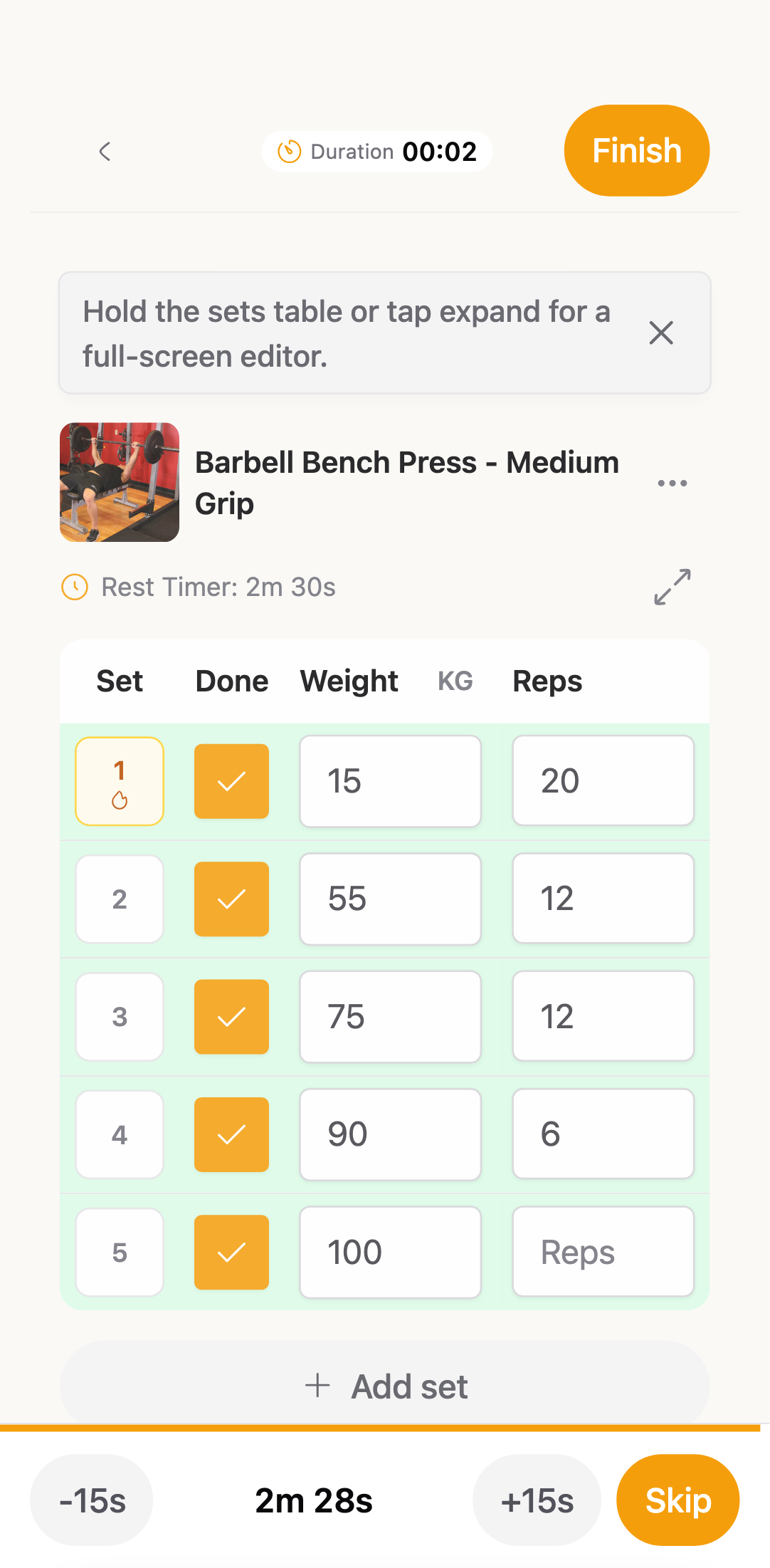
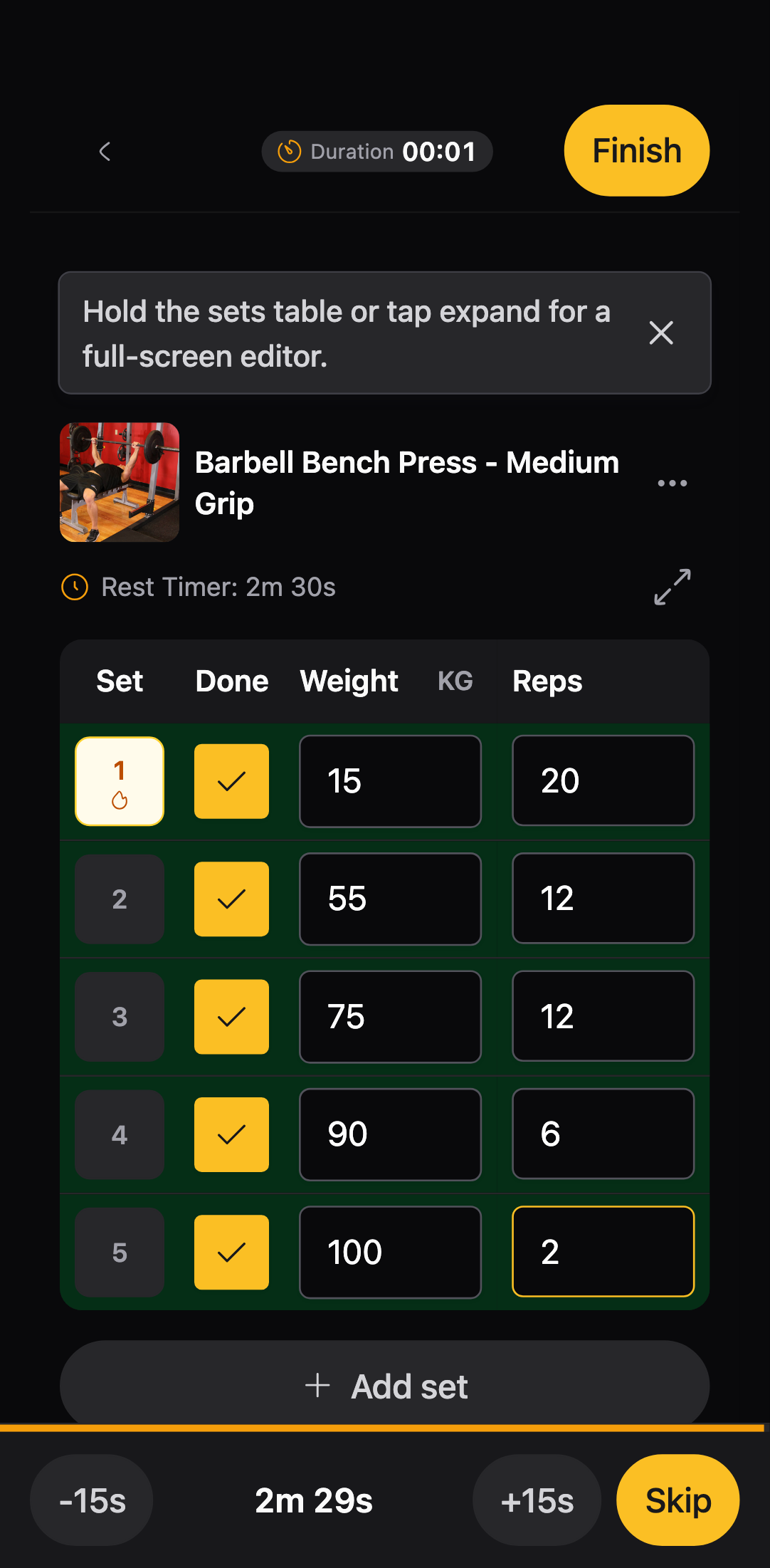
Workouts
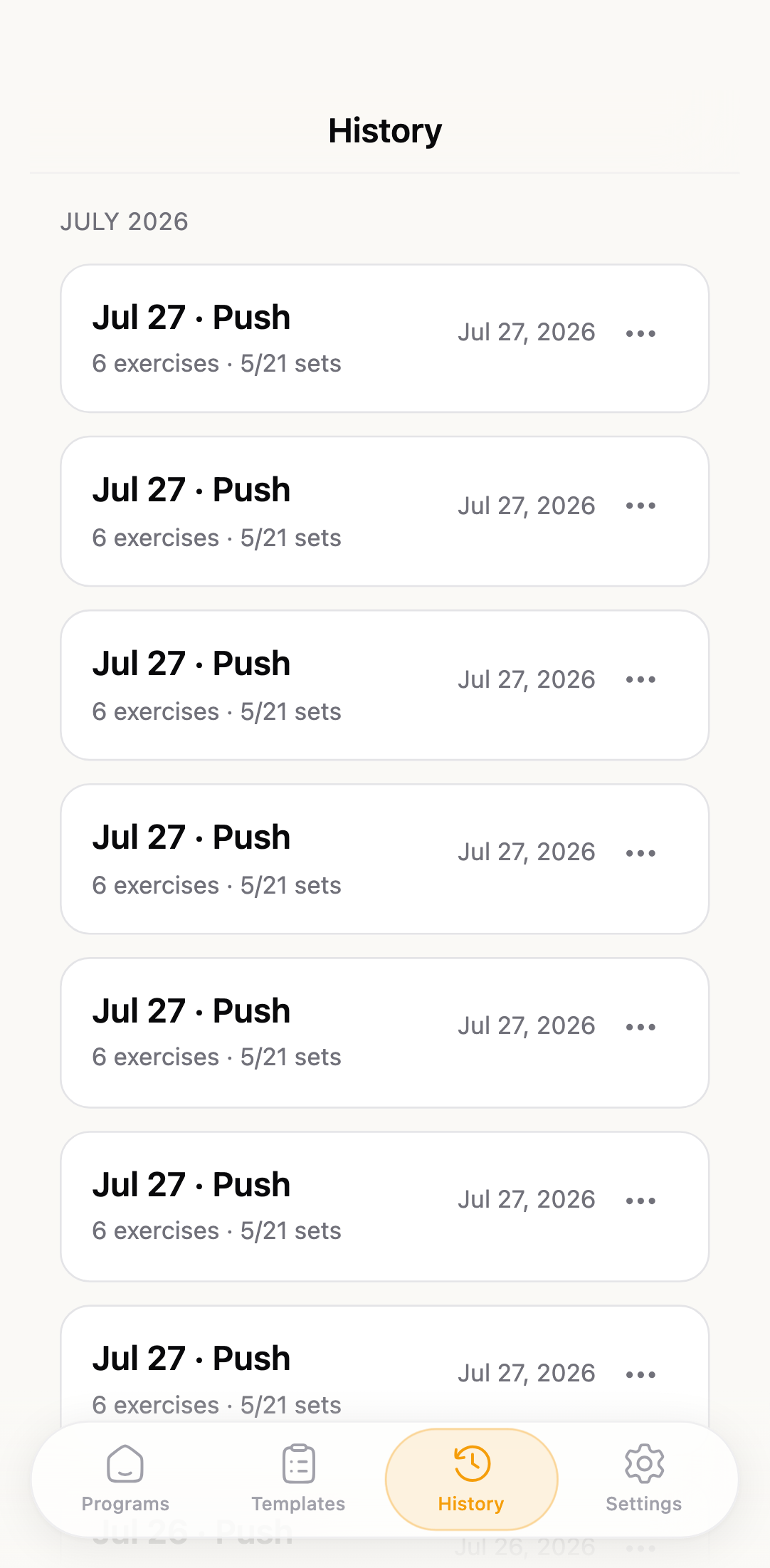
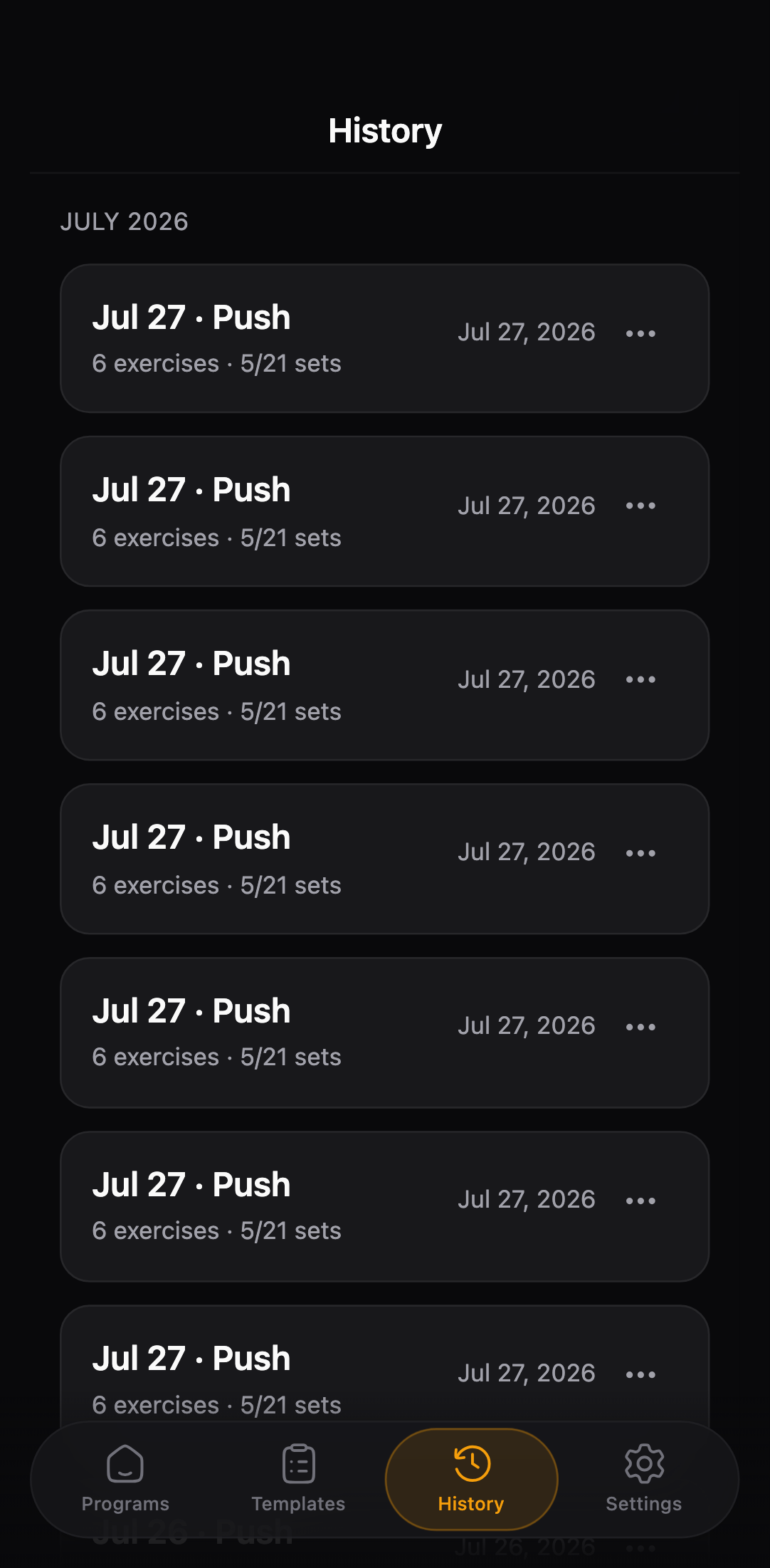
Progress
AI import
Upload a training plan photo, image, CSV, or XML file. AI drafts routines for you to review and edit before saving - no copy-paste marathon.
Get GymTempo
GymTempo runs natively on iPhone and as a web app on everything else. Same workouts, same data, wherever you log them.
iPhone
The native iOS app - fast, offline-ready, and one tap from your home screen.
Any browser
Install the PWA on Android, desktop, or iPad. Works offline, syncs when you're back.
Open the web appAndroid
A native Android app is in the works. For now, the web app has you covered.
Coming soonMCP
Watch how to connect Claude Code, Cursor, or Claude Desktop to your programs, routines, and workout history.
Read the setup guideIf you can't find what you're looking for, get in touch .
Getting started
Yes. For now we support Google OAuth login and magic link login. Start logging immediately after sign in.
Yes. No trial, no card, no ads.
GymTempo is a PWA (Progressive Web App). Also it will be available as native app in App Store and Google Play. To install on your phone, open the site in Safari or Chrome and tap 'Add to Home Screen'. Works fullscreen and offline.
A program is a folder for your routines. A routine is one training day inside it. Programs and routines (full glossary)
Create a program, add routines, build exercises, then tap Start on a routine. How to use GymTempo (step-by-step)
Workouts
Tap menu on left side of the exercise name, pick a change. Your sets carry over so you don't lose progress.
Privacy & sync
Encrypted data is stored in postgres database hosted on Supabase.
This feature is coming soon.