All posts 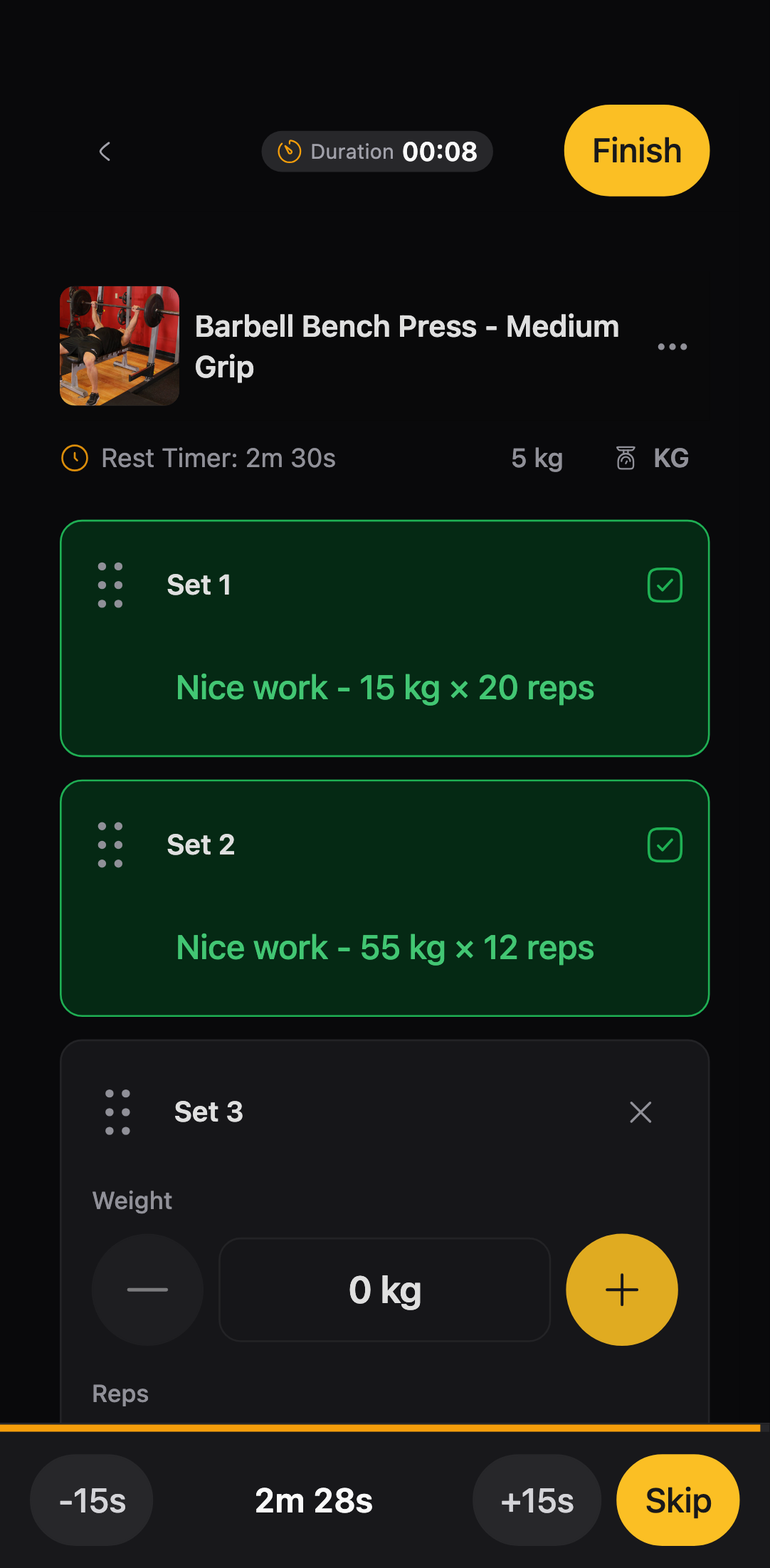
Stepper workout view
Log sets with +/− buttons instead of the keyboard. How to use Stepper and turn it on in Settings.
Stepper shows your workout one set at a time. You change weight, reps, time, or distance with + and −. No keyboard. Tap Done when the set is finished.
Log a set
- Start a workout from a routine.
- Tap + or − to set the values for the set.
- Tap Done.
- Tap Add set for another set. Drag the handle on a set to reorder.
When a set is done, you see what you logged, like 60 kg × 8 reps.
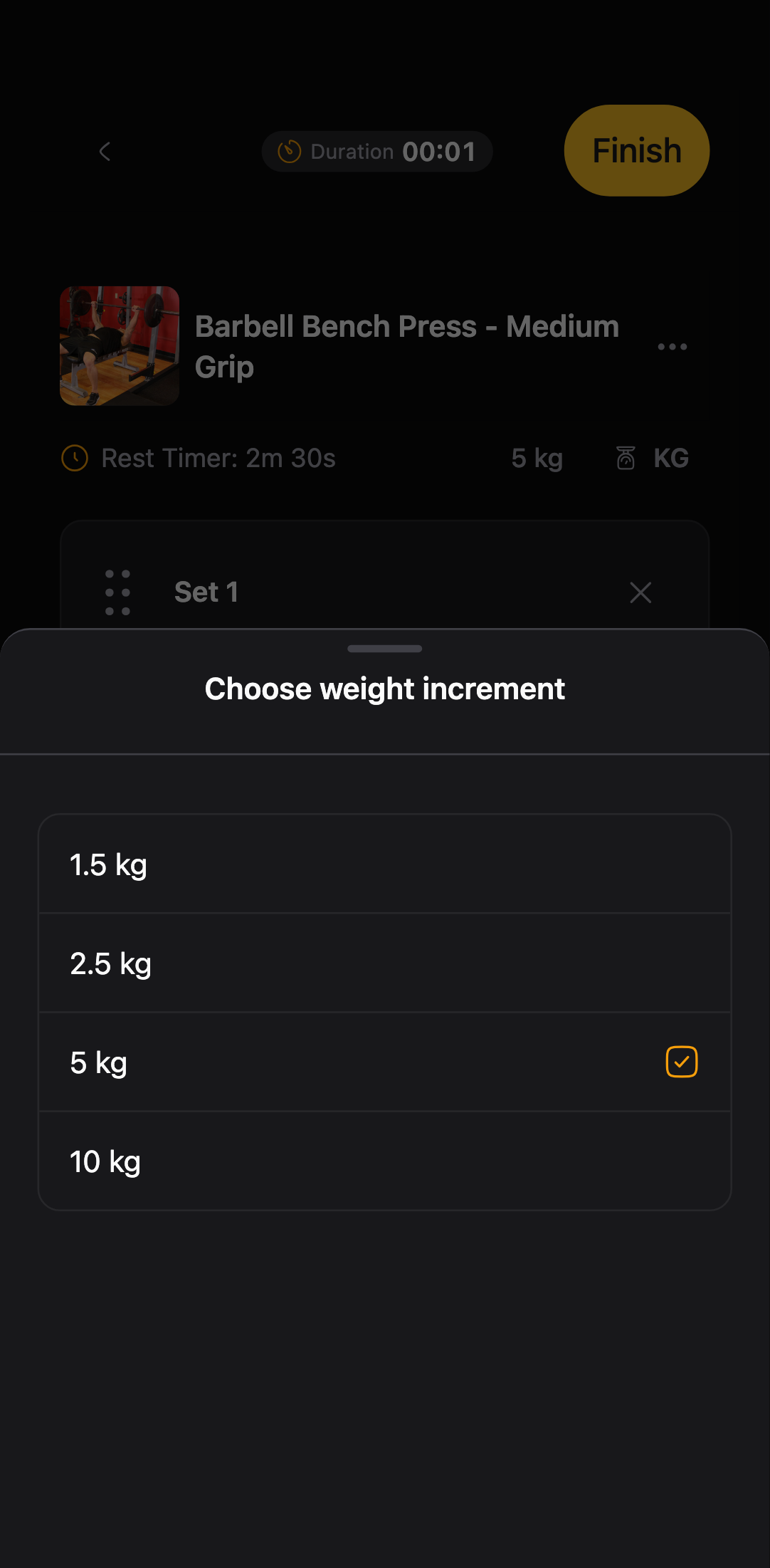
Weight increment
Weight moves in fixed steps, usually 2.5 kg or 5 lb. Which one you get depends on your unit setting.
Need a different step for one exercise? Tap the weight label above that exercise’s sets and pick a value.
Turn on Stepper
- Open go.gymtempo.app and sign in.
- Tap Settings in the bottom bar.
- Under Workout view, tap Stepper.
GymTempo saves this to your account. Your next workouts open in Stepper.
Something broken? Open an issue on GitHub.